
Updating users with @everyone mentions
Admin in a café can do an @everyone mention to send notification to all users in a café in a new conversation. It acts like a mention to the receiving user showing up as a notification or in some cases an email.
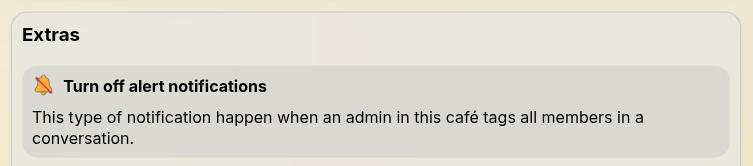
Users can stop receiving this type of notification in a café when a café is abusing the feature by tapping Options and tapping "🔕 Turn off alert notifications". This will prevent you from getting notifications when an admin does an @everyone.
Etiquette with mentions as staff
- We recommend you do not do more than 3
@everyonementions in a single day, and that they be used for important community updates. Users can get upset with constant alerts and will leave or block the café. - Posts made with
@everyoneshould be double-checked before posting as any edits won't be reflected in any emails sent before the edit. - If you post an
@everyonedo not remove it if something has changed, we recommend adding an easy to see edit or comment under the conversation as a missing item when following the notification can be annoying to users.